Definition
Meta’s way for software to send and receive WhatsApp messages for a business, now called the WhatsApp Business Platform. It runs on the Cloud API, uses approved templates outside the 24-hour window and bills per message.
From app to platform
When people say “WhatsApp Business API”, they mean what Meta now calls the WhatsApp Business Platform: a way for software, rather than a person holding a phone, to send and receive WhatsApp messages for a business number. Since Meta switched off its self-hosted On-Premises API in October 2025, the platform runs on the Cloud API, hosted by Meta.
You can connect to it directly with Meta’s developer tools, but many companies go through a provider (a CRM, a help desk, a messaging platform) that adds an inbox, automations and support on top.
How it works
- Setup: a Meta business portfolio, a phone number, a display name that Meta reviews, and a payment method. Verifying your business raises how many people you can message first.
- Two kinds of messages: when a customer writes to you, a 24-hour customer service window opens and you can reply freely. Outside it, you can only send a message template that Meta has approved.
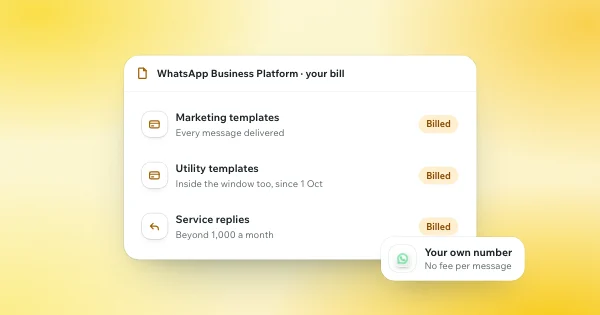
- Billing: since 1 July 2025, Meta charges per delivered message, by category and by the recipient’s country. See WhatsApp API pricing.
- Limits: a new business can only start conversations with a limited number of people a day, a ceiling that rises with verification and good quality (see messaging limits).
Since 2025, a number used in the WhatsApp Business app can also be connected to the Cloud API, which Meta calls coexistence. A few app features are then turned off, such as broadcast lists.
When it is the right tool
The platform is built for volume and structure: order updates, one-time passcodes, delivery notices, campaigns to people who opted in, and large teams sharing one number. It is heavier for sales conversations. Every message after the 24-hour window must be a pre-approved template, nearly every template is billed, and a lead who goes quiet gets the same generic nudge as everyone else.
How WhatSetter fits
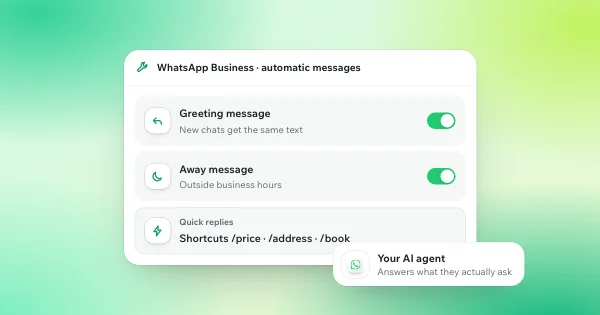
WhatSetter does not run WhatsApp on the Business Platform. It connects your current number through its own gateway, by scanning a QR code: your WhatsApp app keeps working, and there are no per-message fees and no templates to get approved. The AI agent answers each lead in seconds, qualifies them and books the appointment, in a normal one-to-one conversation. Instagram and Messenger are different: there, WhatSetter connects through Meta’s official APIs.
If you need high-volume notifications, the Business Platform is the right tool. If you need to answer leads and book appointments on the number your clients already know, see WhatSetter on WhatsApp.