How to Remove Meta AI from WhatsApp: Complete Guide (2026)
WhatSetter Team · 4/12/2026 · 8 min
You have seen that blue ring pop up in WhatsApp and you are wondering how to get rid of it? You are not alone. Millions of users are looking to disable Meta AI since Meta integrated its AI assistant directly into WhatsApp, Instagram, and Facebook.
A friend texted me the other day: "What is this blue thing in my chats? I didn't even ask for it." That pretty much sums up the general feeling. Meta forced this AI integration without asking anyone's opinion, and honestly, it is annoying a lot of people.
The bad news first: there is currently no official button to completely remove Meta AI from WhatsApp. But the good news is that you can significantly reduce its presence and limit what it collects about you. This guide explains everything.
What is Meta AI on WhatsApp?
Meta AI is the AI assistant developed by Meta, the parent company of Facebook, Instagram, and WhatsApp. It is powered by Llama, Meta's language model. In practice, it lets you ask questions, generate images, get suggestions in your conversations, and interact with it using the @Meta AI command in groups.
You can recognize it easily: it is that blue ring that appeared in the search bar and as a conversation in your chats. Since May 2026, it has been deployed globally, including in the European Union where it was not available before.
The thing is, most people never asked for it. And honestly, many find it intrusive in a messaging app they use simply to talk to friends, family, or clients.
Can you really remove Meta AI from WhatsApp?
No. Not completely, anyway.
Meta AI is integrated at the same level as voice calls or stickers. It is a native feature of the app, not a plugin you can uninstall. Meta does not offer an ON/OFF switch.
This has been confirmed by Wired, Forbes, the Blog du Modérateur, and even the CNIL: it is impossible to remove the assistant from the WhatsApp interface. You can search through every setting, you will not find a "disable" button.
What you can do, however, is reduce its presence. You can archive or delete the Meta AI conversation, avoid interacting with the blue ring, disable AI-related notifications, limit the use of your data for AI training through the GDPR opt-out form, and use the /reset-ai command to erase data Meta AI has already stored about you.
How to reduce Meta AI's presence on WhatsApp
You cannot remove it entirely, but you can take these concrete steps to minimize its footprint.
- 1
Delete or archive the Meta AI conversation
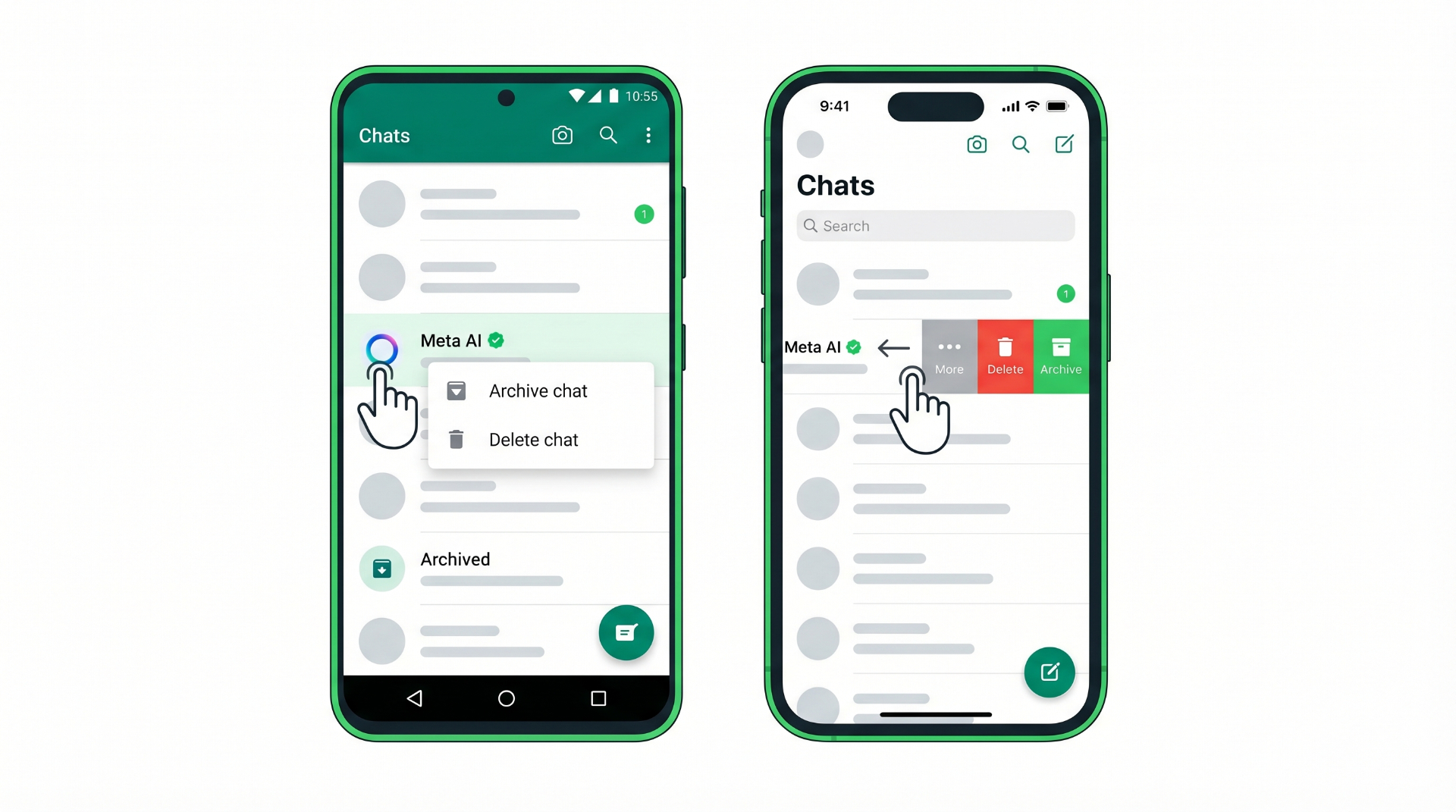
On Android, long press the Meta AI conversation, then choose "Delete" or "Archive." On iPhone, swipe the conversation to the left and tap "More" then "Delete" or "Archive." This removes the chat from your view, but the blue ring and the feature remain integrated in the app.
- 2
Do not interact with the blue ring
Do not click on the blue ring. Do not type @Meta AI in your group conversations. Ignore the assistant's suggestions. The less you interact with Meta AI, the less data it has to process about you.
- 3
Disable Meta AI notifications
On some versions of WhatsApp, you can turn off AI-related notifications. Go to Settings, then Notifications, and disable everything related to AI suggestions.
- 4
Use the /reset-ai command
If you have already exchanged messages with Meta AI, open the Meta AI conversation, send /reset-ai, and the assistant goes back to zero. The history and data stored on Meta's servers are deleted.
- 5
Prevent Meta from using your data to train its AI
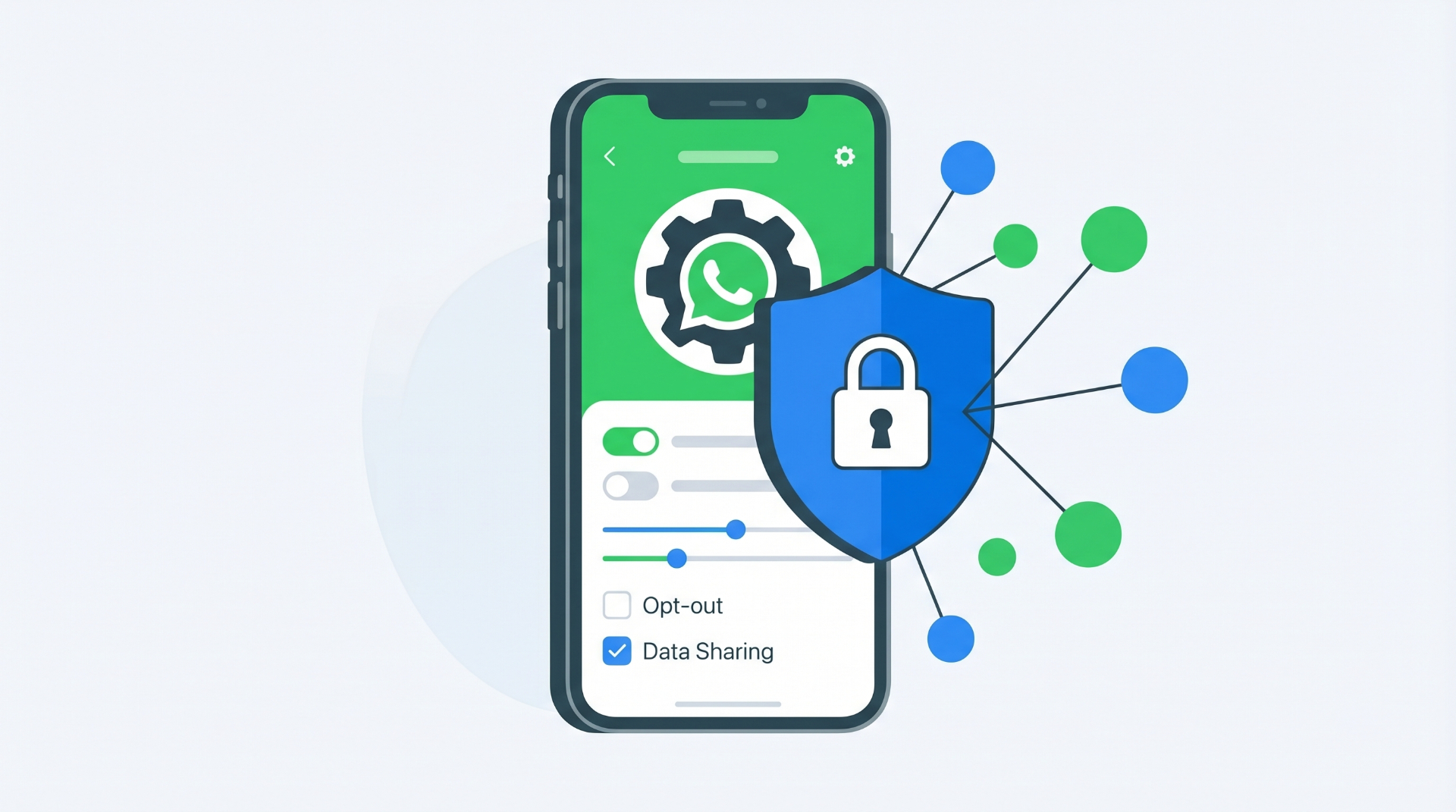
Since May 2025, Meta has been using European users' public content to train its AI models. You can object by filling out the opposition form in Meta's Help Center. Once submitted, Meta states that your data will no longer be used for training.
Why users want to remove Meta AI
- AI forced into a messaging app without asking permission
- Privacy concerns about what data Meta AI stores and processes
- Impact on phone performance, battery, and memory usage
- AI responses that are not always reliable, especially on health, legal, or financial topics
AI forced into your messaging app
WhatsApp is a communication tool. We use it to talk to friends, colleagues, clients. Integrating a general-purpose AI chatbot into all of this is like your phone company adding a salesperson to your calls without asking your permission.
The general feeling is that users are being forced a gadget they did not ask for. And when a forced product does not even have a button to disable it, frustration builds up fast.
Privacy concerns
Even though Meta keeps repeating that WhatsApp conversations remain end-to-end encrypted, the simple fact that an AI is integrated into the interface raises legitimate questions. What data exactly does Meta AI store when you use it? Do conversation patterns serve to refine advertising profiles?
When a company tells you "you can't disable our AI, but don't worry, we respect your privacy," skepticism is natural. And frankly, it is justified.
Performance and reliability
Meta AI consumes resources. On less powerful phones, it is noticeable: battery drains faster, the app can slow down, and memory usage goes up. On top of that, like any generative AI, Meta AI can give wrong answers, especially on health, legal, or financial questions.
Meta AI vs a real AI agent for your business
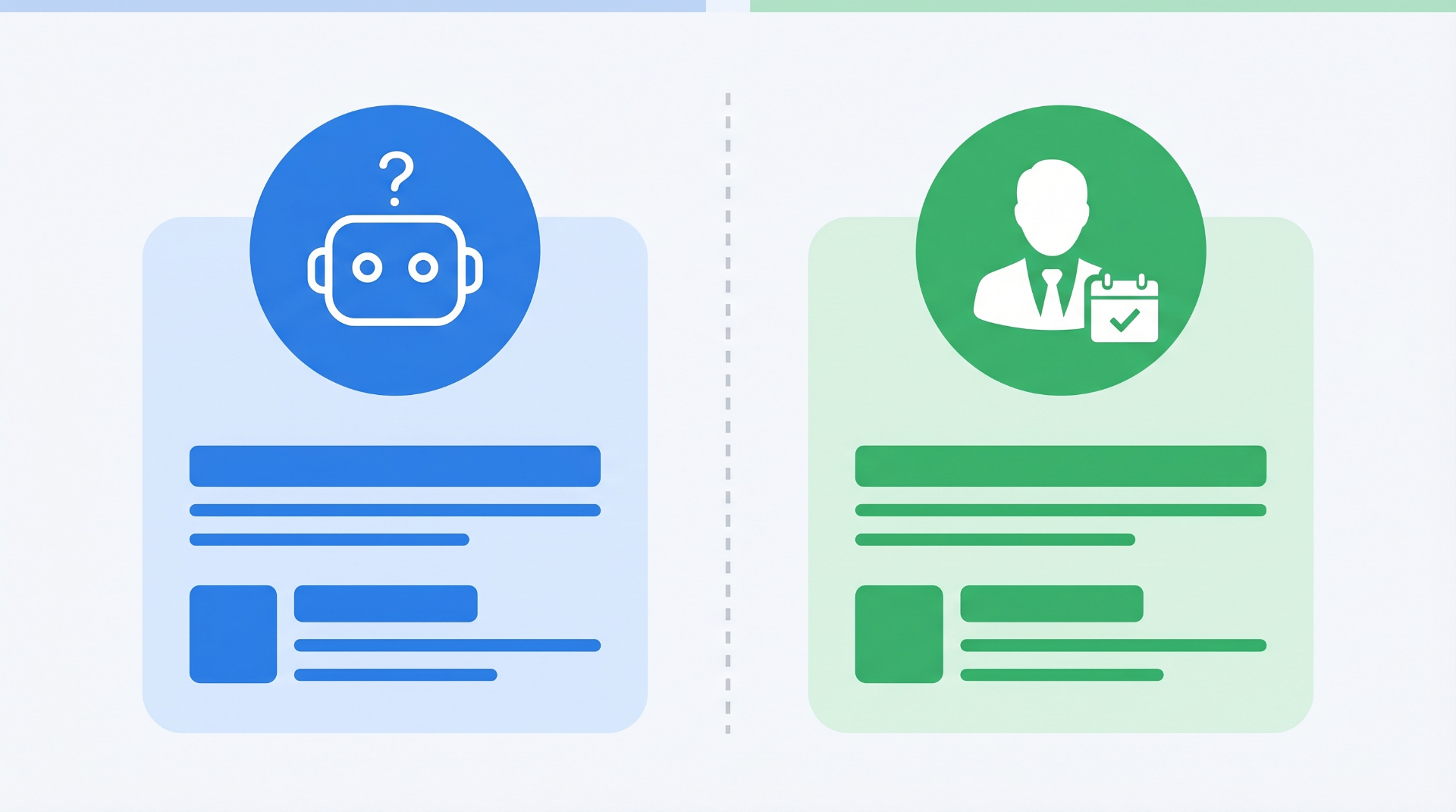
If you are looking to remove Meta AI from WhatsApp because the built-in AI is useless for your business, there is an important point to understand: Meta AI is a general-purpose assistant. It is not a commercial tool.
Meta AI lets you ask questions, generate images, get suggestions. But it is not designed to qualify leads, book appointments, handle commercial objections, or follow up with dormant prospects. That is not its job, and it will never do it properly.
The difference with a specialized AI agent like WhatSetter is massive. WhatSetter is a commercial agent that lives on WhatsApp. It asks the right qualification questions about budget, need, and timing, just like a real setter would. It books appointments directly in the conversation. It can even automatically reactivate your dormant CRM leads by importing a simple CSV file. And it connects in 2 minutes via QR Code, without needing to go through Meta's Business Manager.
The GDPR-compliant aspect is also key: data hosted in Europe and no use of your data to train third-party models. It is a conscious choice, not an AI forced on you by default.
Frequently Asked Questions
Can I disable Meta AI on WhatsApp?
No, there is currently no way to completely disable Meta AI. You can archive the conversation, avoid interacting with the blue ring, and limit the collected data, but the assistant remains integrated into the app.
How do I remove the Meta AI blue ring?
The blue ring in the search bar cannot be removed. You can make it less annoying by using the search bar only to find contacts rather than making AI queries.
Does Meta AI read my private conversations?
Meta states that WhatsApp conversations remain end-to-end encrypted and that Meta AI does not read private conversations. However, everything you send directly in the Meta AI chat is processed by Meta's servers.
How do I prevent Meta from using my data for AI training?
You can fill out the opposition form in Meta's Help Center. In Europe, the GDPR gives you the right to object to the use of your public data for AI model training.
What is the /reset-ai command?
It is a command you send in the Meta AI chat to erase your data stored on Meta's servers. The assistant returns to its initial state, as if you had never interacted with it.
Is there an alternative to Meta AI for automating WhatsApp professionally?
Yes. Specialized AI agents like WhatSetter let you automate WhatsApp for lead qualification, appointment booking, and CRM reactivation, with full control over your data and AI configured specifically for your business.
Conclusion
Removing Meta AI from WhatsApp is impossible. It is a feature built into the app by Meta, and there is no OFF button, not now and probably not in the near future. But you can minimize its presence: archive the chat, do not interact, disable notifications, use /reset-ai to erase your data, and fill out the GDPR opposition form.
And if you are looking for a WhatsApp AI that actually serves your business, for lead qualification, automatic booking, and CRM reactivation, tools like WhatSetter are built for that. Not a general-purpose chatbot forced on you, but a commercial agent you choose and control.